

Last Updated on 5 February, 2024
Are you tired of looking for a way to change consumables in Atomic Heart? Go no further.
Atomic Heart comes with a variety of consumables that can be used to restore health, boost abilities, and gain combat superiority.
This guide will walk you through the quick process of transitioning between consumable items during gameplay.
Let’s learn how!
How To Change Consumables In Atomic Heart?
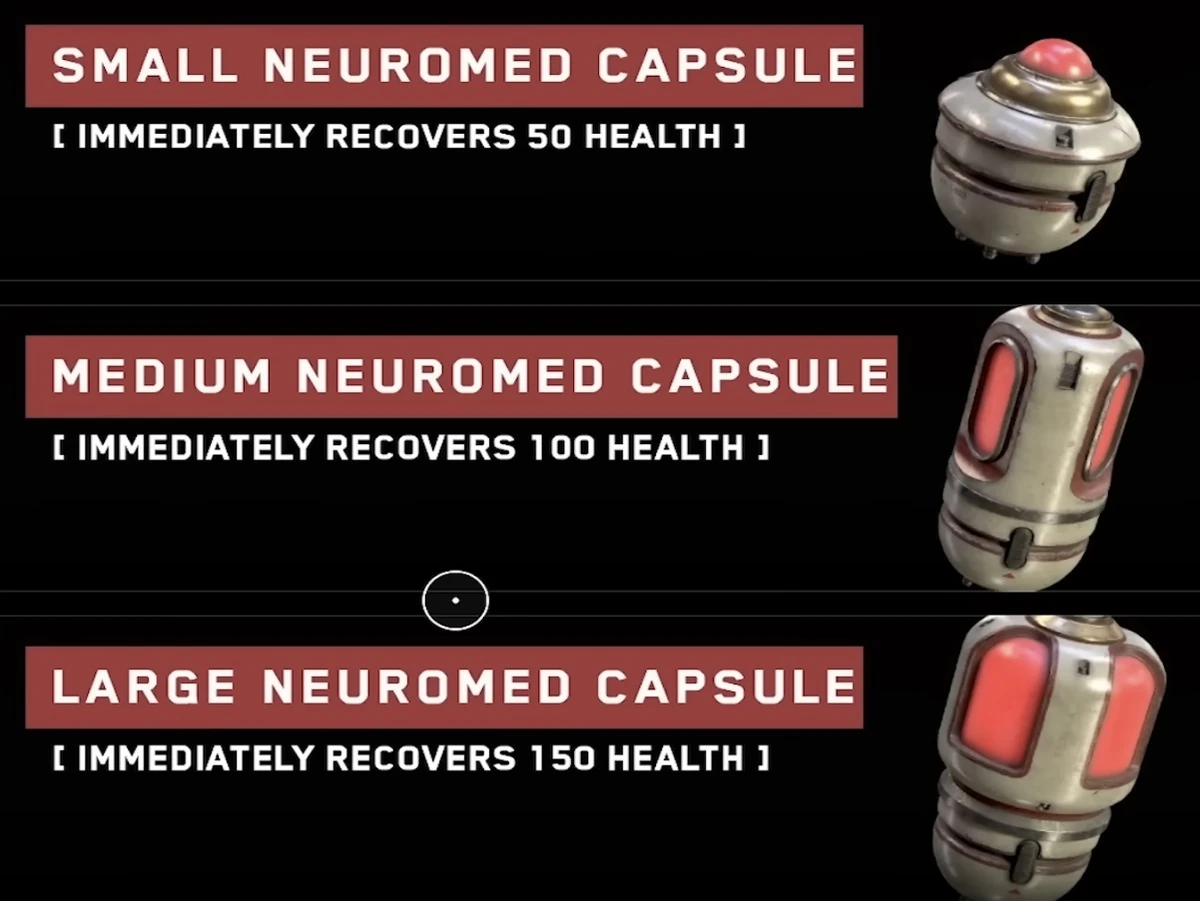
Let’s check it out for each platform:
Changing Consumables in PC
If you’re on a PC, you have the perk to change consumables quickly. To swap to the next one, hit C, and to switch to the previous one, press Z. To use the consumable, hit X.
If you’re not in the heat of combat, you can switch consumables from the radial menu.
To access the radial menu, press and hold the X button.
Changing Consumables on the Console
If you’re playing with a gamepad, there is no quick way to switch between various consumables. I understand it doesn’t make any sense because fast-changing consumables in battles are very useful.
With a controller, your only choice is to access the radial menu by holding the Square Button, and then use the D-pad to choose whatever consumable you require. To instantly use the selected consumable, press down on the D-pad.
Parting Words
I hope I’ve answered all your questions which may help you in your next sessions of Atomic Heart. But if you still have any queries, you can leave a comment below. We can discuss it.

Leave a Reply