
Last Updated on 25 June, 2025
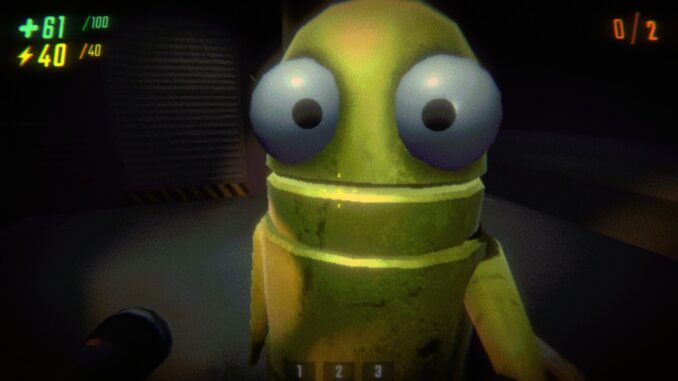
R.E.P.O. is already a chaotic co-op experience, with players scrambling through dark levels while dodging monsters and racing to meet their quotas.
But for those who want even more out of their playthroughs, like playing with more than six friends or adding cool visual upgrades, mods are the way to go.
If you’re new to modding games, don’t worry. This guide will walk you through everything you need to install and run mods in R.E.P.O. without the headache.
Contents
Why Use Mods in R.E.P.O.?
The base game of R.E.P.O. is a thrill on its own, but mods let you push the limits. Want to bump the lobby cap beyond six players? Add visual cosmetics? Improve UI elements or even tweak gameplay mechanics? Mods make all that possible, and more.
With just a few small downloads, you can completely upgrade your co-op experience.
Step 1: Get the Thunderstore Mod Manager
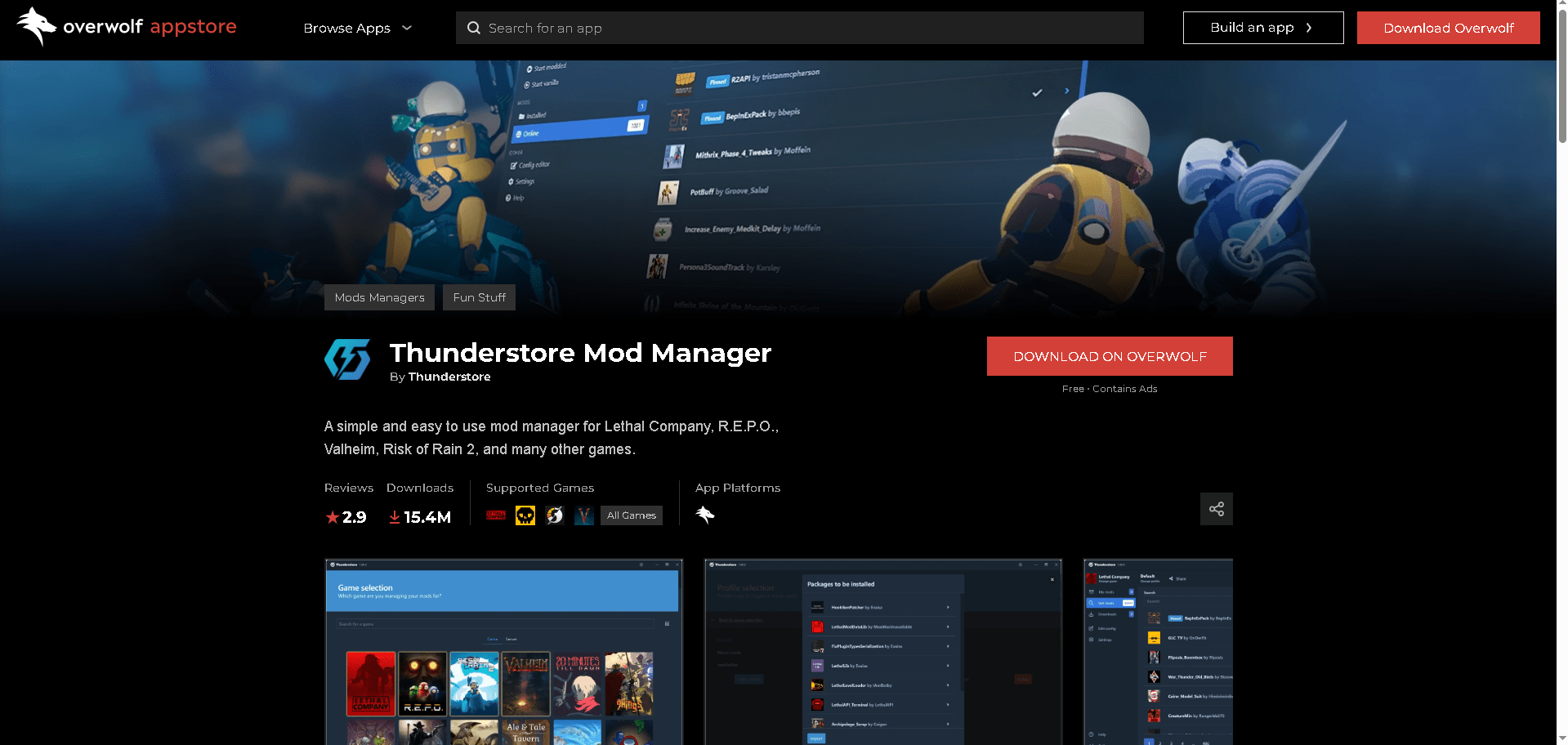
To start modding R.E.P.O., the easiest and safest method is to use the Thunderstore Mod Manager, which is powered by Overwolf.
Here’s how to get it:
-
Visit the Thunderstore Mod Manager download page.
-
Install Overwolf if you haven’t already.
-
Through Overwolf, install the Thunderstore Mod Manager.
-
Once installed, launch it and search for “REPO” to set up your mod profile.
This setup handles everything for you, no need to manually drag files into obscure folders or mess with your system settings.
Step 2: Install Mods for R.E.P.O.

Once your profile for REPO is ready in Thunderstore, you can begin adding mods in just a few clicks.
To install mods:
-
Click Get Mods in the left sidebar.
-
Use filters or the search bar to find mods like MorePlayers, Freecam, or DamageShow.
-
Select a mod and click Download with Dependencies (this ensures required files like BepInExPack are included).
-
After installation, go to My Mods to see your active mod list.
-
To play with mods, click the Modded launch button in the top-right corner of the app.
Thunderstore will auto-load your selected mods when launching the game.
Step 3: Don’t Forget BepInExPack

Every mod for R.E.P.O. relies on a core plugin called BepInExPack. This file allows all other mods to run properly.
Thunderstore will usually download it automatically when installing your first mod, but if not, search for it manually in the Get Mods section and install it before running the game.
Without this core file, your modded game simply won’t launch—and you’ll get a startup error.
Bonus Tips for Modded R.E.P.O.
-
Conflict Warning: Some mods may not play well together. If your game crashes, try disabling the last mod you added.
-
Create Profiles: Thunderstore lets you make different profiles (e.g., PvE mods, Visual Mods Only) so you can switch setups quickly.
-
Share with Friends: You can export your mod profile and send it to teammates so they can match your setup exactly.
-
Use Mods in Private Games: Some mods may not be compatible with public multiplayer, so it’s safest to use them in private sessions.
Note: All mods for R.E.P.O. require a foundational mod called BepInExPack, which is typically pinned at the top of the Get Mods section. Without it, none of your other mods will function, and attempting to launch the game will result in an error.
Looking for more game tips or unlockables? Check out our latest game guides and code lists to level up your experience across dozens of popular titles.

Leave a Reply