

Last Updated on 7 July, 2025
Welcome to Cubic Odyssey, a voxel-based sci-fi sandbox where you crash-land on alien worlds, mine exotic resources, build bases, and pilot ships across the stars. This guide, together with our advanced guide, equips new captains with the core mechanics, from survival and crafting to combat and trading, so you can thrive in your first hours and beyond.
Galactic Waypoints
I. Game Overview & First Steps
Cubic Odyssey launched on May 8, 2025 for PC (Steam), PS5, and Xbox Series X|S. You begin stranded on a hostile planet with only basic tools and your AI companion QB1. Your first goals:
- Complete the in-game tutorial to learn movement, scanning, inventory, and crafting.
- Gather starter resources: clay, stone, water, and basic flora.
- Build a simple House Station, craft essential tools (pickaxe, axe, bed) and set a respawn.
Patch 1.0.2.3 Updates (June 30, 2025):
- Fixed mission-lock bug preventing “First Contact” quest completion.
- Resolved “Lost Save” error when exiting mid-build; quick-saves now persist properly.
- Adjusted ship-battery drain during warp to prevent random shutdowns.
- Improved online derelict ship repairs. Clients can now restore hull integrity.
- Optimized HUD scan overlay, fixed target highlight disappearing.
- Steam launch-parameter flags added for low-spec performance mode.
See the full patch notes here: Cubic Odyssey Patch Notes 1.0.2.3
II. Core Mechanics & UI
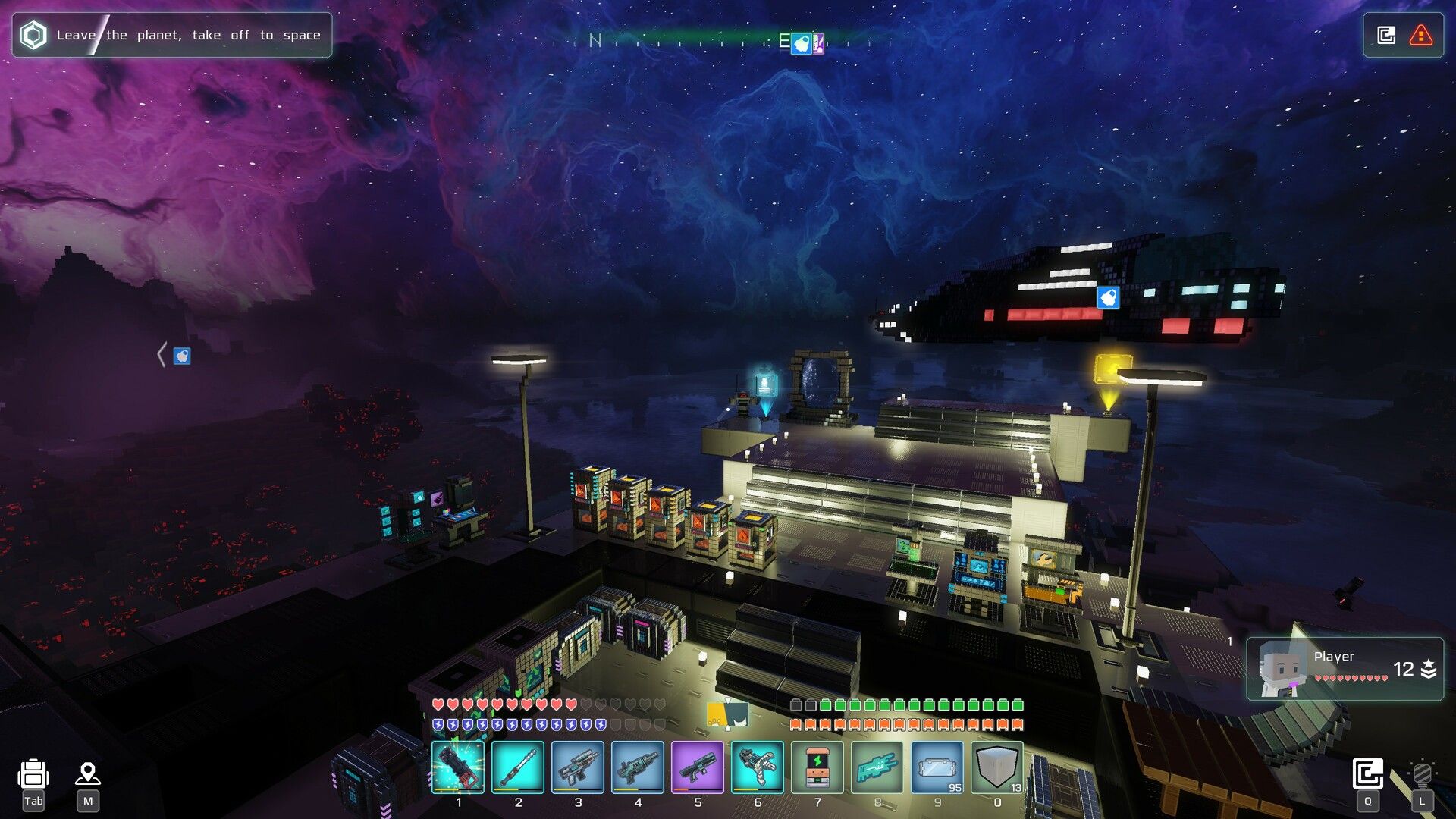 Mejoress: Cubic Odyssey
Understanding these systems is critical:
- Energy & Health: Mining, sprinting, and combat deplete energy. Carry Hydration Packs and Light Pills to restore energy and health.
- Scanning: Press
Qto deploy your Personal Scanner. It reveals nearby ore veins and derelict ships. - Inventory: Use hotbar shortcuts for tools, consumables, and weapons. Recycle Stations convert excess blocks into coal or components.
- QB1 Companion: Assists with scanning, repairs structures, carries loot, and distracts enemies.
III. Base Building Essentials
Establish a secure base and expand modules as resources flow in:
| Structure | Purpose | Key Resources |
|---|---|---|
| House Station | Respawn & energy regen | Clay Bricks, Wood, Glass |
| Energy Station | Powers machines | Solar Panels, Coal, Wiring |
| Refinery | Processes ores | Coal, Water, Clay |
| Storage Module | Organizes resources | Wood, Glass, Iron Ingots |
| Turrets | Automate defense | Copper Ingots, Dark Plates, Wiring |
IV. Crafting & Resource Processing
Transform raw materials into advanced components:
| Raw Material | Refined Item | Use |
|---|---|---|
| Clay | Clay Bricks | Building blocks |
| Copper Ore | Copper Ingots | Wiring, tools |
| Aluminum Ore | Aluminum Ingots | Ship parts, frames |
| Dark Fragments | Dark Plates | High-tier weapons, turrets |
| Water | Hydration Pack | Energy recovery |
V. Combat & Defense
Hostile fauna, space pirates, and rogue drones await. Gear up and strategize:
- Weapons: Start with Basic Rifle and Energy Sword; upgrade to Dark Rods for high DPS.
- Consumables: Light Pills heal and boost energy, keep a stack ready.
- Turrets & Traps: Automate defense with Plasma and Dark Turrets.
VI. Ships & Interplanetary Travel
Space travel unlocks new biomes and resources. To claim your first vessel:
- Scan for derelict ships with
Qin Tier 2 systems. - Gather repair materials: Aluminum Ingots, Rubies, Transistors.
- Use the Shipyard Console to repair and claim the ship.
- Upgrade engines and shields at Ship Bays before extended travel.
VII. Economy & Trading
Earn credits for blueprints and cosmetics:
- NPC Quests: Early missions pay 2,000–8,000 coins.
- Darkness Farming: Clear dark zones for Dark Plates and cores worth ~2,500 coins each.
- Resource Trading: Sell excess Ingots and Plates to vendors like Weston at Bardwell Station.
VIII. Advanced Tips & Automation
- Villager Workforce: Assign NPCs to mine, farm, or craft for passive resource flow.
- Sky Bases & Portals: Build high-altitude bases linked by Planet Portals for instant travel.
- Painting Bench: Bulk-paint blocks to color-code storage and defensive zones.
- Console Tweaks: Enable “Auto-Save on Exit” and “Tool Highlighting” to prevent lost progress and speed building.
IX. Conclusion
Cubic Odyssey blends exploration, crafting depth, and combat thrills. By mastering survival basics, efficient crafting, robust defense, and strategic trading, you’ll transform from crash-landed novice to galaxy-hopping tycoon. Strap in, captain, your voxel odyssey awaits!

Leave a Reply