
Last Updated on 8 July, 2025
You’ve mastered Bardwell I and built your first outpost, now it’s time to go big. This guide picks up where the beginner’s walkthrough left off, focusing on fully verified mechanics: choosing a long-term base site, leveling all nine skills to cap, acquiring and upgrading top-tier ships, optimizing combat and defense, running high-profit trade loops, applying safe config tweaks, and tapping community tools for design and mod management.
Table of Contents
- 1. Strategic Base Placement
- 2. Skill Progression & XP Efficiency
- 3. Ship Acquisition & Upgrades
- 4. Combat Loadouts & Defense
- 5. Trading & Economy Scaling
- 6. Config Tweaks & Essential Mods
- 7. Community Tools & Resources
- 8. Conclusion
1. Strategic Base Placement
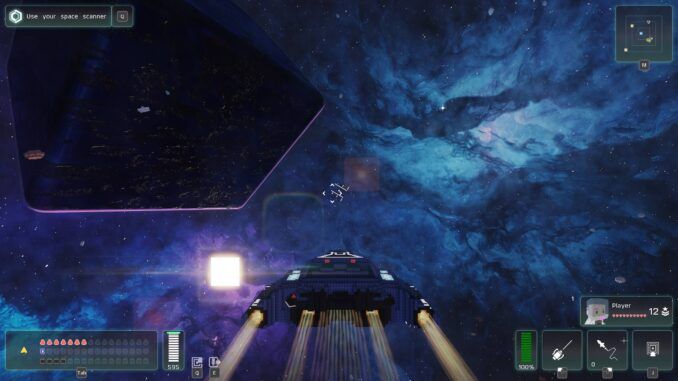
Use your ship’s scanner (Q) in orbit to tag copper, cobalt, ruby and Dark Fragment nodes before touching down. Land on a flat plateau near multiple veins and corruption pockets to minimize conveyor runs.
- Stay within scanner range of at least two Dark Zones for continuous fragment farming.
- Build under 1 000 m from a fast-travel portal or settlement to shorten resupply loops.
- Elevated sites reduce random fauna spawns and boost solar exposure.
2. Skill Progression & XP Efficiency
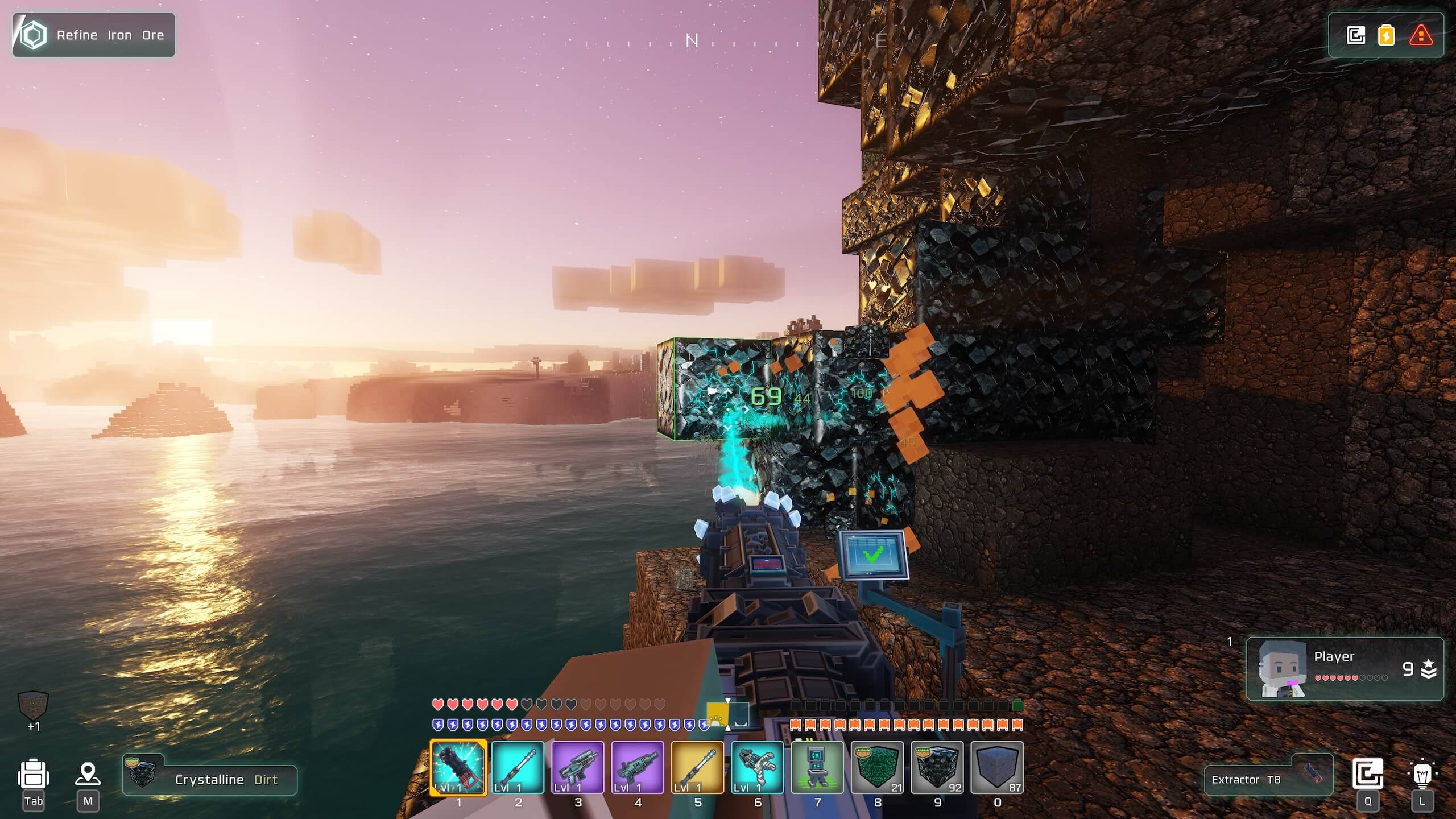
Cubic Odyssey has nine skill tracks; Combat, Crafting, Trading, Exploration, Scanning, Engineering, Building, Farming, Navigation, each capping at level 30. Parallel loops are key:
- Combat: Enter “Red Darkness Purge” events in high-corruption zones for wave XP.
- Scanning: Re-tag the richest ore clusters with QB1 scanner.
- Farming: Automate hydroponics; conveyors feeding harvesters grant passive XP.
- Crafting & Building: Queue large batches and shift-click to skip animations.
3. Ship Acquisition & Upgrades
Ships come in four classes; Scout, Interceptor, Fighter, Titan; each with unique slot counts and roles. You can either purchase hulls from station merchants (Trading skill lowers prices) or salvage derelicts in orbit by scanning (Q) and repairing at a Shipyard Console with rubies, aluminum and transistors.
| Class | Role | Max Slots |
|---|---|---|
| Scout | Recon & speed | 3 |
| Interceptor | Balanced speed/shields | 4 |
| Fighter | Heavy combat | 4 |
| Titan | Cargo & tanking | 7 |
4. Combat Loadouts & Defense
Endgame foes hit hard. Personal loadouts should mix burst damage and crowd control:
- Primary: Energy rods or burst rifles for close-quarters.
- Secondary: Railgun or ion blaster for shield penetration.
- Consumables: 30 Light Pills, 15 Nano-Stims for health and shield regen.
4.1 Base Defense
- Alternate Plasma and Dark Turrets in concentric rings roughly 20 m apart.
- Wire turrets to Sensor Beacons set to “Corruption Alarm” so they only fire when needed.
- Use a dedicated power circuit to keep defenses online if your main grid overloads.
5. Trading & Economy Scaling
Qbits fuel your expansion. Complete NPC quests (2 000–8 000 Qbits each) and sell surplus ore, crops or fragments at premium stations. As your Trading skill increases, vendor sale prices improve.
6. Config Tweaks & Essential Mods
All game configs live under data/configs. Back up the folder before edits. Key tweaks:
renderDistance– raise draw range for horizon and portals.autoSaveOnExit– enable to prevent progress loss on quit.
On Nexus Mods, look for “Enhanced Conveyor Pack” (+belt speed, filters) and “BigMap Overlay” (full planetary map). Always match mods to your current patch and verify dependencies in manifest.json.
7. Community Tools & Resources
- Ascend Trainer – factory stress tests and QA tools on GitHub.
- BoostHub Scripts – batch config and mod management for multi-base operations.
- Web-based factory simulators to prototype conveyor layouts before building.
- Discord: “Cubic Odyssey Architects” – blueprint swaps, monthly build challenges, peer feedback.
Press F12 in-game to capture screenshots and tag #COBlueprints on Discord for community review and showcase.
8. Conclusion
This advanced guide builds directly on the beginner’s walkthrough with only verified, community-backed strategies. You now have the roadmap to choose permanent base sites, cap all nine skills efficiently, acquire and upgrade ships safely, defend against corruption, run profitable trade loops, fine-tune configs, and leverage powerful community tools. Your true Cubic Odyssey journey continues, build wisely and conquer the stars.

Leave a Reply