
Last Updated on 13 March, 2024
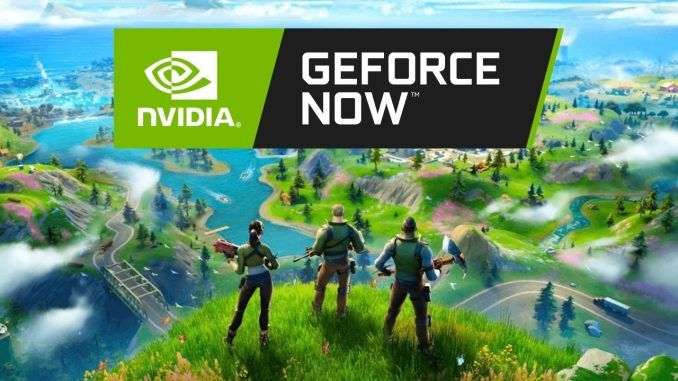
Do you want to play Fortnite on GeForce Now? Cloud gaming is the perfect option for those who dream of dropping into epic battles but have no powerful PC to run the game smoothly. Our guide will teach you how to set up GeForce now, provide information about the cost, and give you an idea of the pricing for GeForce cloud gaming in 2024.
Ready to join the new Fortnite Chapter 5 Season 2 from any platform? Grab your device and explore endless Fortnite adventures with GeForce Now!
How To Play Fortnite On GeForce Now
Playing Fortnite on GeForce Now is easy. Just make sure to follow the step-by-step instructions below:
- Create a Nvidia account or log into an existing one; link your Epic Games account with your Nvidia account
- Subscribe to the Nvidia GeForce Now Membership using the link
- Once you’ve set up your account and chosen your plan, download the Nvidia GeForce Now app or use the web option
- Now, you can head to the Game Catalog, find Fortnite and click the button Play to start the game
GeForce Now cloud streaming is available on Windows PC, macOS, iOS Safari, Android, Android TV, some Samsung TVs, and LG TVs. The cloud gaming app on supported TVs can be accessed via the special Gaming Hub.
Fortnite On GeForce Now – FAQ?
In this section of the guide, we’ll discuss some of the most popular and important questions about Fortnite on GeForce Now.
Do You Need To Pay For GeForce Now?
While GeForce Now cloud gaming is available via the free subscription, it provides numerous limitations, such as:
- 30 minutes of game time
- Low priority queue
- No Nvidia RTX
Where GeForce Now Is Available?
GeForce Now is available in more than 100 countries worldwide. Players can find more information about the supported regions on the NVIDIA support website.
What Controllers GeForce Now Supports?
The list of controllers that can be used depends on the device you are playing on. However, all devices support Sony’s DualShock 4 and DualSense controllers and Microsoft’s Xbox Wireless controllers.
Where To Find Requirements For GeForce Now?
If your device can run YouTube videos in HD, it may also run GeForce Now. For more specific information, visit the GeForce NOW system requirements webpage.
More Guides – Fortnite
Now that you know how to play Fortnite on GeForce Now, read more exciting articles about Chapter 5 Season 2. Check out these interesting guidelines:
- How To Open Weapon Bunker in Fortnite
- How To Get Avatar Korra in Fortnite
- How To Get God Medallions in Fortnite
Leave a Reply