

Last Updated on 9 October, 2026
Before you venture far into the Northern Realms, get your game running properly and learn where your early Crowns are best spent. A clean installation makes mod troubleshooting easier, while a few smart decisions about skills, equipment, and crafting can save you money throughout the adventure.
This beginner’s guide covers the essentials, from setting up mods and skipping REDlauncher to choosing early skills, managing your inventory, collecting Ability Points, and saving for major expenses. It also explains which regions deserve a thorough search and where you can afford to leave some question marks unexplored.
Table of Contents
- Prepare a Clean Installation
- Install Mods Without Guesswork
- Launch Through Steam Without REDlauncher
- Choose Your First Skills
- What to Sell, Keep, and Dismantle
- Save Money on Crafting and Alchemy
- Why You Might Receive Only 1 XP
- How Much Money to Save
- Where to Explore for Resources
- Final Beginner Tips
Prepare a Clean Installation
If you plan to use mods, start with a game installation that works without them. Update your graphics and audio drivers, uninstall the existing installation of The Witcher 3, and install the latest version fresh. Starting clean reduces the risk of old files and configurations causing problems later.
Once installed, create a folder named MODS inside the game’s installation directory. You must create it yourself; it does not exist there by default. For a Steam installation using the example path below, the folder should be here:
C:\Steam\steamapps\common\The Witcher 3\MODSYour installation may use a different drive or directory. Create the folder inside the game directory, and leave it empty until you’re ready to install your first mod.
Launch the game, complete the login and CD Projekt RED requirements, and adjust your graphics settings. Start a new game and let the opening cutscenes play until the initial Ciri training sequence is complete. Save, exit the game, and relaunch it using the Remastered Launcher icon on your desktop.
In the launcher, find the gear icon beside the red Play button. Open it and switch on Enable Mods. This enables mod support for your save from that point forward.
Install Mods Without Guesswork
Mod compatibility matters more than how many changes you can add at once. For the version covered by this setup, look for mods that support version 5.00c, and avoid mods released before September 29, 2026.
Start with the Nexus Mods page sorted by recently updated Witcher 3 mods. Before downloading anything, check the release date, compatibility information, and comments. Reports from other players can alert you to problems before you spend time troubleshooting your own installation.
Install one mod at a time. Download its archive and extract the files into your MODS folder. The resulting structure should look like this:
C:\Steam\steamapps\common\The Witcher 3\MODS\Mod Name\Mod filesAfter installing a mod, launch the game and check two things: that the game loads without errors and that the mod actually works. Exit before adding the next one. Repeat the process until you’ve installed everything you want.
Installing a large batch at once makes it difficult to identify which modification caused a crash or other problem. Testing individually makes troubleshooting far more straightforward.
A mod manager can also help with installation, load order, and script mergers when required. One option is the Witcher 3 Mod Manager.
Launch Through Steam Without REDlauncher
You can skip REDlauncher when starting the game through Steam by adding a launch option. This bypasses the launcher without uninstalling it or modifying its files.
- Open Steam and go to your Library.
- Right-click The Witcher 3: Wild Hunt and select Properties.
- Open the General tab and locate the Launch Options field.
- Enter
--launcher-skipwithout quotation marks. - Close the Properties window and launch the game normally through Steam.
The normal launch sequence is Steam, REDlauncher, then the game. With the option enabled, Steam launches the game directly.
You can still use the Steam Overlay, Steam Achievements, Steam Cloud, Steam screenshots, and Steam playtime tracking. To bring REDlauncher back, return to Launch Options and remove --launcher-skip.
If you’re also using mods, test the game after changing the launch option. Confirm that the game starts correctly and your mods still load before relying on the new setup.
Choose Your First Skills
You don’t need to commit to a specialized build during your first few levels. Start with a small group of useful skills, learn how you prefer to fight, and reconsider your choices after 10–15 levels.
A beginner-friendly starting setup is:
- Gourmet (General): Food restores Vitality for 20 minutes.
- The School Technique matching your armor: Choose the technique that corresponds to the armor type you plan to wear.
- Delusion (Axii): Unlocks additional dialogue options.
- Muscle Memory.
- Precise Blows.
As you gain experience, you’ll have a better idea of how you want to develop Geralt. You can reset your skill points by purchasing a Potion of Clearance for 1,000 Crowns from certain merchants, including Keira Metz and a merchant in northern Novigrad.
What to Sell, Keep, and Dismantle
Exploration fills your inventory with junk, weapons, armor, and crafting materials. In most cases, selling unwanted items is more worthwhile than paying to dismantle them. You can collect plenty of crafting materials by exploring houses, abandoned sites, caves, chests, and hidden treasures.
Sell almost all junk
Most items marked as Junk can go straight to a merchant. Keep Bear Hide, however, because it is used in several crafting recipes. Dismantling ordinary junk is expensive and generally not worth the cost.
Sell unwanted weapons and armor
Sell equipment you don’t need instead of dismantling it for materials. If you don’t need the Crowns, put the items in your stash and sell them later in Novigrad, where blacksmiths and armorers usually offer better prices.
Keep four regular Shirts if you intend to craft the first chest armor pieces for the Cat, Griffin, Bear, and Wolf Witcher Sets. Geralt’s starting Shirt also has a crafting upgrade, but the result is underwhelming, so keeping that item for the upgrade isn’t worthwhile.
You can sell your starting weapons and armor because they aren’t required for later progression. The starting Shirt’s minor upgrade is not a compelling reason to keep it.
Understand item rarity
An item marked Magic has that label because of its rarity, not because it carries a hidden effect. Higher rarity means better stats, but it doesn’t guarantee that a weapon will outperform Witcher Gear.
In the Blood and Wine expansion, some Relic weapons at level 45 or higher can outperform certain Witcher Set weapons. Compare the actual stats and do not judge equipment by rarity alone.
Save Money on Crafting and Alchemy
Don’t spend your early Crowns buying every recipe from merchants in White Orchard. Roughly 95% of crafting and alchemy recipes can be found through exploration, looting containers, or completing quests. Start buying missing recipes when you have around 6,000 Crowns or more.
Craft these Oils first
Prioritize the following Oils in this order:
- Necrophage Oil
- Beast Oil
- Specter Oil
- Hanged Man’s Venom
Save Runestones and Glyphs for later
You can socket Runestones and Glyphs early, but saving them is usually the better option. Later, you can craft stronger versions and place them into your endgame equipment.
Collect Ability Points at Places of Power
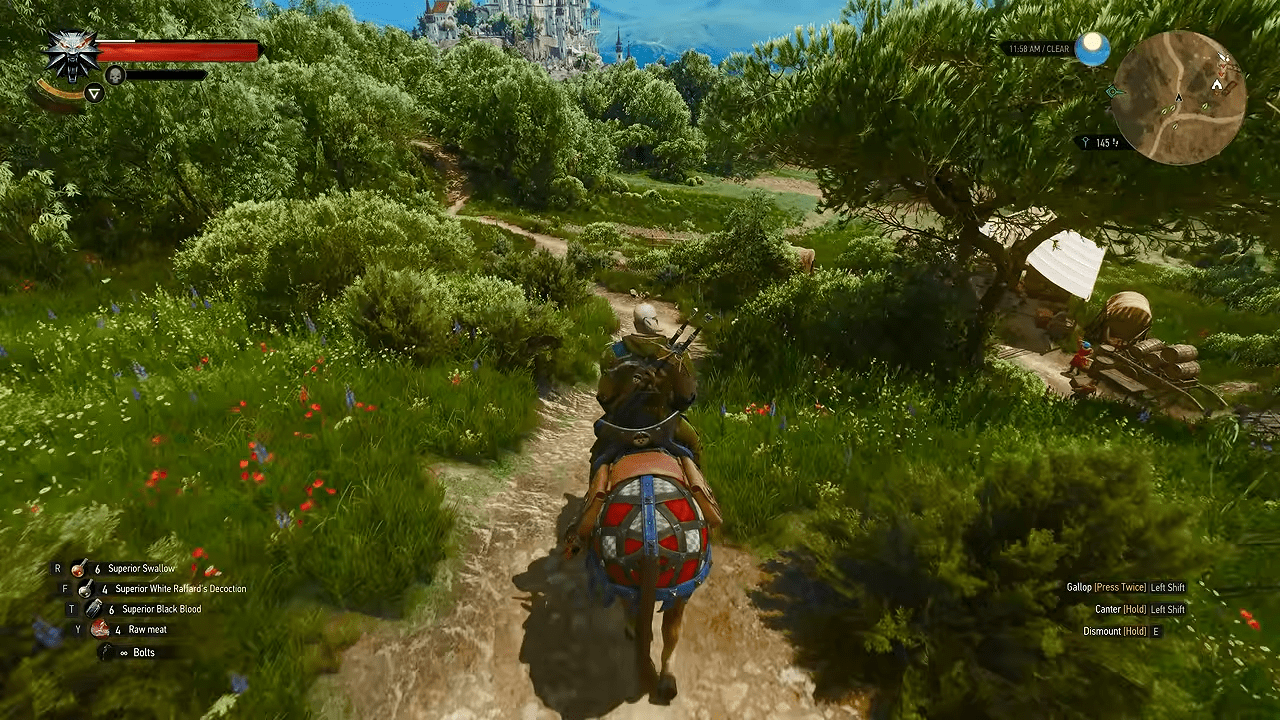
When you interact with a Place of Power, hold the interaction button until Geralt finishes drawing power. A single press won’t grant the Ability Point, so wait for the animation to finish.
Why You Might Receive Only 1 XP
If quests or enemies are awarding only 1 XP, check the level difference between Geralt and the content you’re tackling. The Witcher 3 applies a heavy experience penalty when Geralt’s level differs from a quest’s or enemy’s level by more than five levels.
Before assuming something is wrong, compare the relevant levels. A large difference can explain why an otherwise completed quest or defeated enemy provides so little experience.
How Much Money to Save
Two financial milestones deserve attention early: the cost of traveling to Skellige and the payments required to unlock the Runewright.
Keep 1,000 Crowns for Skellige
Keep at least 1,000 Crowns available for travel to Skellige. If you find the captain afterward, he will eventually return the money.
Save for the Runewright
By around level 30, aim to have at least 25,000 Crowns saved for the Runewright. Unlocking him requires three payments:
- First payment: 5,000 Crowns
- Second payment: 10,000 Crowns
- Third payment: 15,000 Crowns
Those payments total 30,000 Crowns. The 25,000-Crown savings milestone is a useful target, but it won’t cover all three payments. If you want enough to complete the entire process, plan for the full 30,000. Unlocking the Runewright is one of the game’s strongest long-term investments.
Where to Explore for Resources
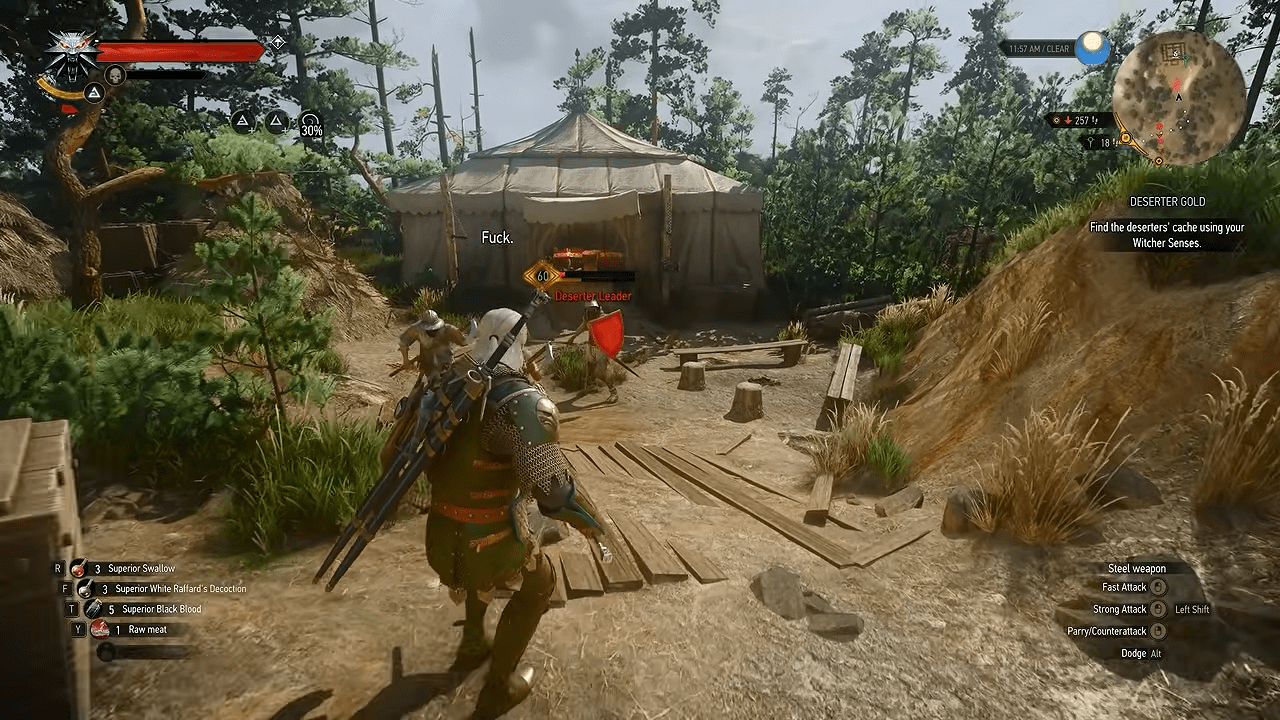
Exploration supplies crafting materials, recipes, and equipment. You don’t need to clear every map marker in every region, but some areas reward a thorough search more than others.
White Orchard: Search everything
Explore the question marks, houses, chests, sacks, and other containers throughout White Orchard. They provide valuable crafting materials, recipes, and useful equipment while you’re establishing Geralt’s early build.
Velen: Gather crafting materials
Continue searching points of interest and containers in Velen. The region is one of the best places to gather crafting resources early in the game.
Skellige: Prioritize major islands and Places of Power
You don’t need to clear every question mark in Skellige unless you’re still missing alchemy recipes. Focus on the major islands and visit every Place of Power so you don’t miss Ability Points.
Toussaint: Search for Grandmaster materials
Explore every question mark in Toussaint if you’re preparing Grandmaster Witcher Gear. The region contains rare crafting materials required for those sets, making thorough exploration worthwhile.
Final Beginner Tips
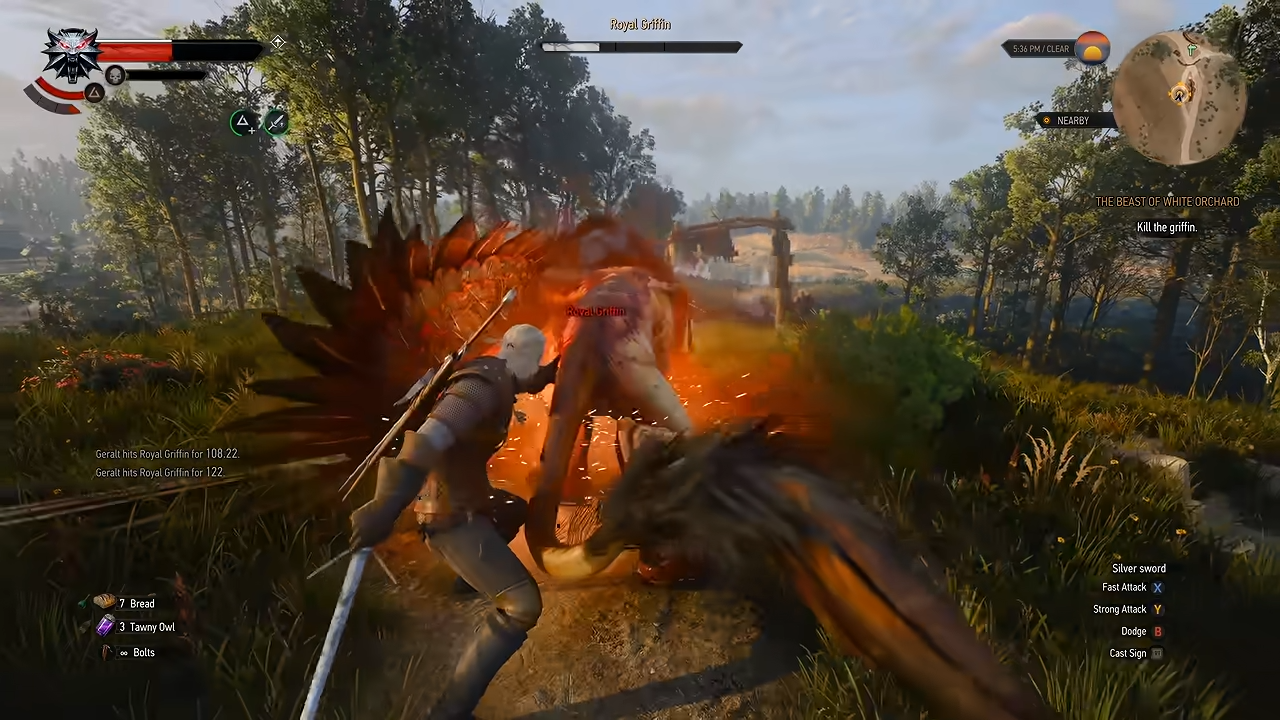
Get the game running cleanly before installing mods, test modifications one at a time, and use --launcher-skip if you prefer to launch directly through Steam. In the game itself, save your early Crowns by selling unwanted equipment, collecting recipes through exploration, and keeping track of the expenses ahead.
Search White Orchard and Velen for resources, prioritize Places of Power in Skellige, and explore Toussaint thoroughly when you’re gathering materials for Grandmaster Witcher Gear. Build Geralt’s skills as you learn your preferred playstyle rather than trying to perfect the character.
Above all, don’t rush the main story. Some of the game’s most memorable characters, quests, hidden treasures, and powerful gear lie away from the main path. Take time to explore and let Geralt’s build grow alongside your understanding of the world.

Leave a Reply